Can the work, the workload, and the budget live in one project?
The budget sheet sits on the same project as the tasks.
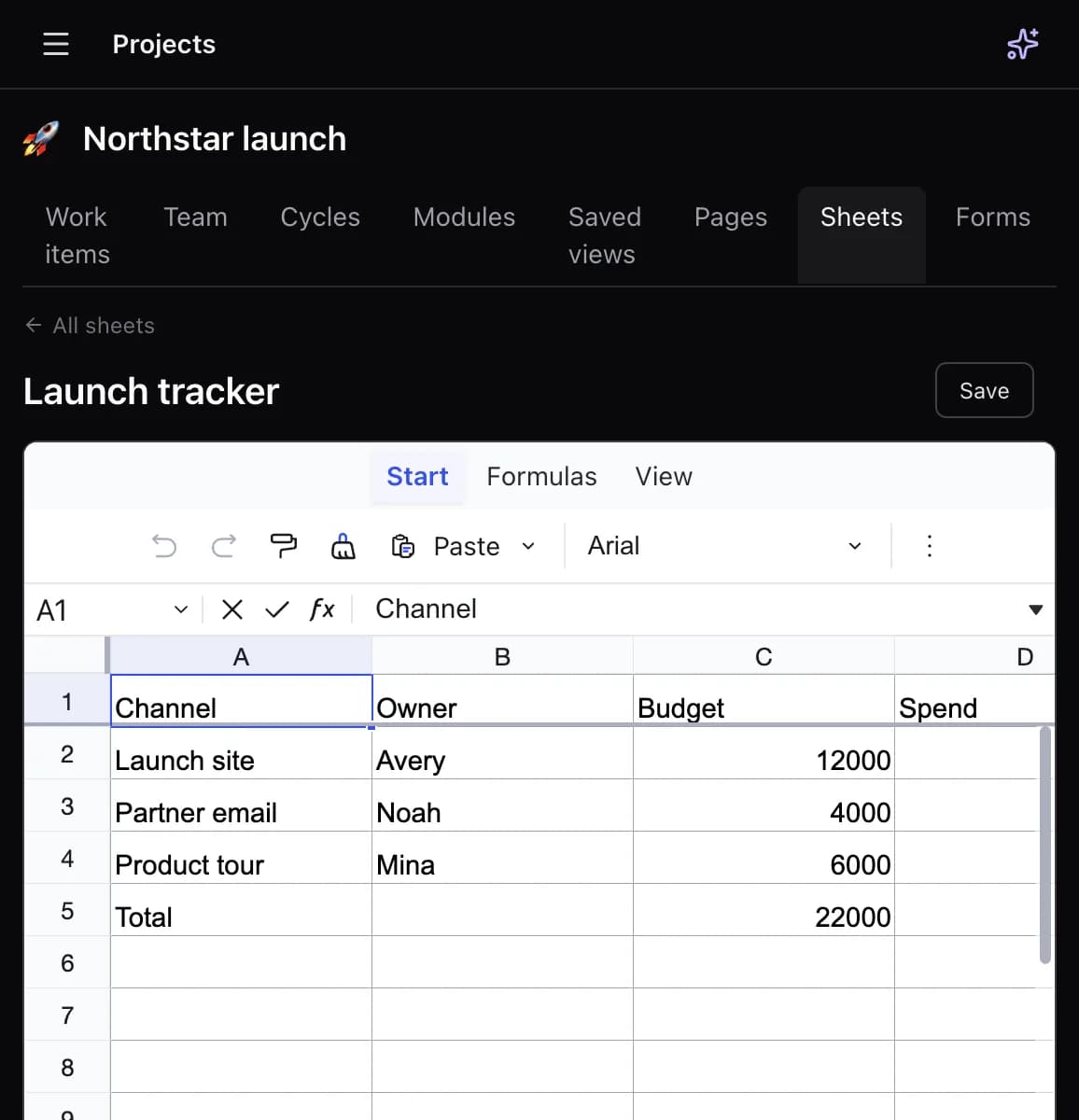
Same project. Brain writes all four.
One sentence becomes the board, the brief, the budget sheet, and the deck — watch it happen, then try it with your own words.
Each comparison below is a public weakness of that product, answered with something DoneNest already ships.
ClickUp
The suite is large, and teams lose it in setup, views, and speed.
DoneNest
Issues, pages, sheets, slides, and a whiteboard sit on one project. Brain writes into them.
Read the comparisonNotion
Docs are strong. Cycles, blocking relations, and workload are not the product.
DoneNest
Pages and formula sheets live next to issues that have status, owners, and dependencies.
Read the comparisonLinear
Fast for software teams. Docs, sheets, slides, and recurring office work are out of scope.
DoneNest
Issue tracking plus the rest of the company: pages, sheets, decks, and recurring tasks.
Read the comparisonAsana and monday.com
Planning views and extra seats are how the bill grows.
DoneNest
Calendar, Gantt, timeline, workload, and cycles are in the product. USD per active seat. Three members are free.
Read the comparisonThe tasks, the brief, and the budget used to live in separate chats. This project holds all three.
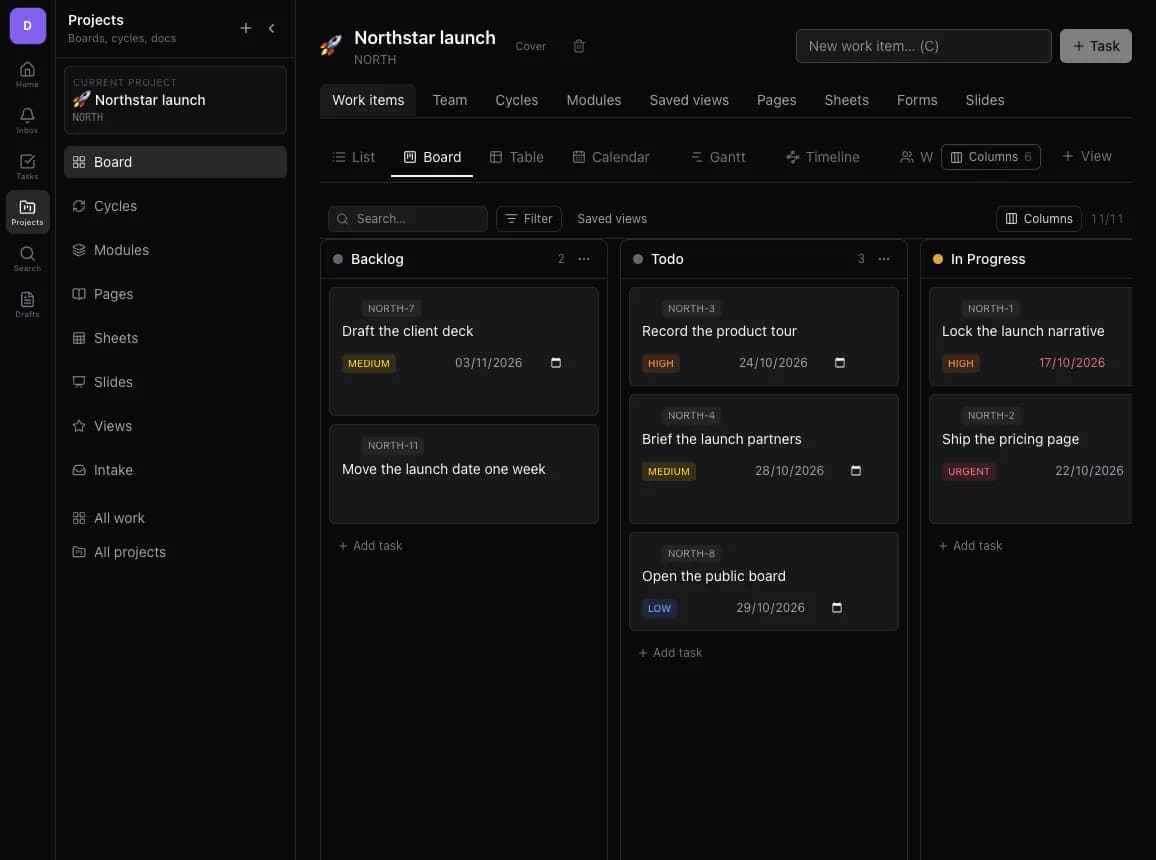
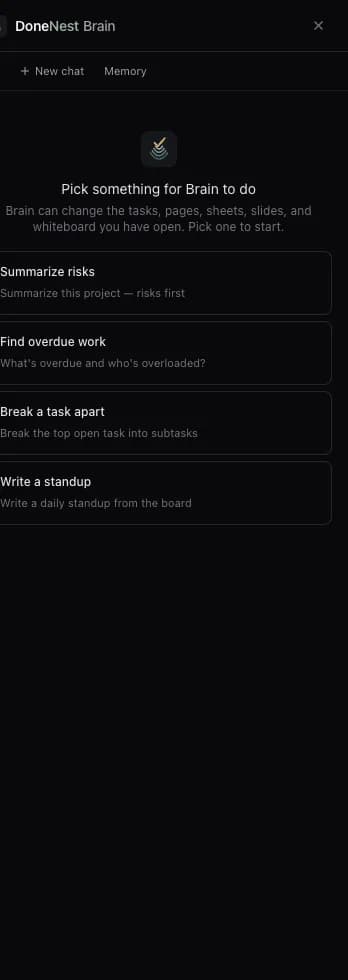
Creates and updates issues, doc pages, formula sheets, slide decks, forms, and whiteboard shapes.
Pages, spreadsheets, decks, and a whiteboard are project tabs beside the backlog. A page can be a public wiki, and a deck can be shared.
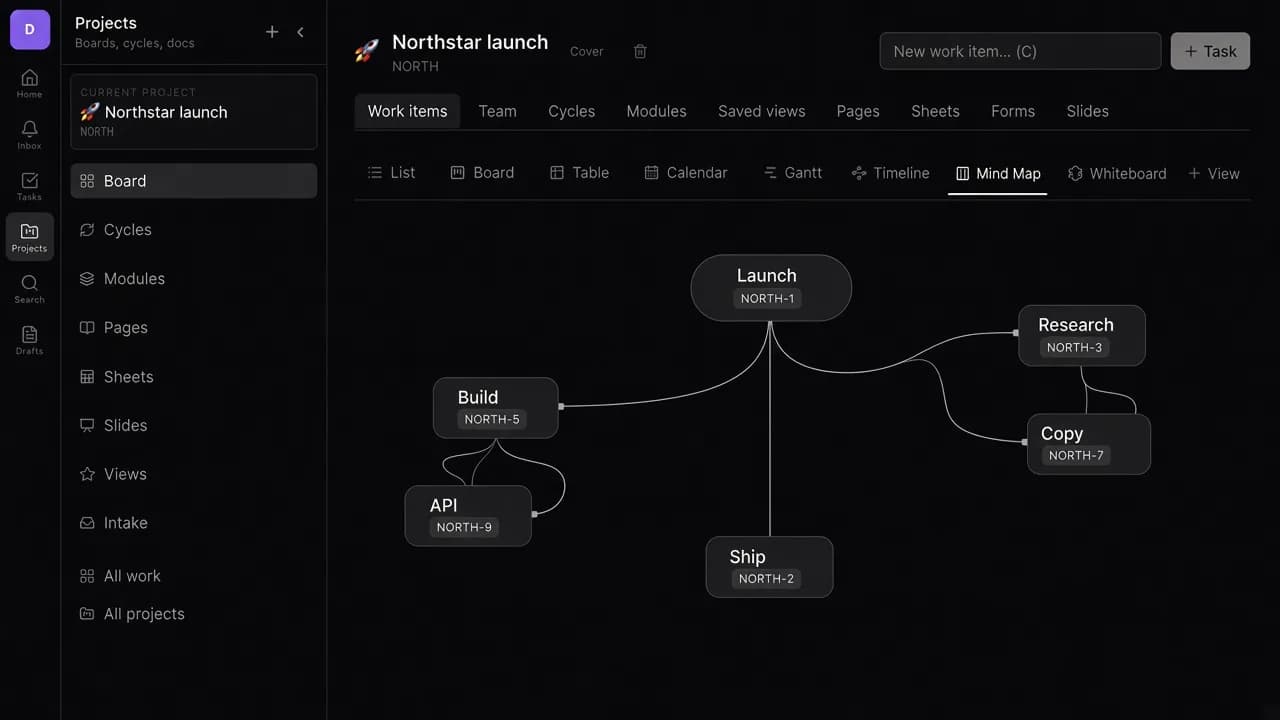
Parent and child tasks drawn as a tree on the project, next to the board.
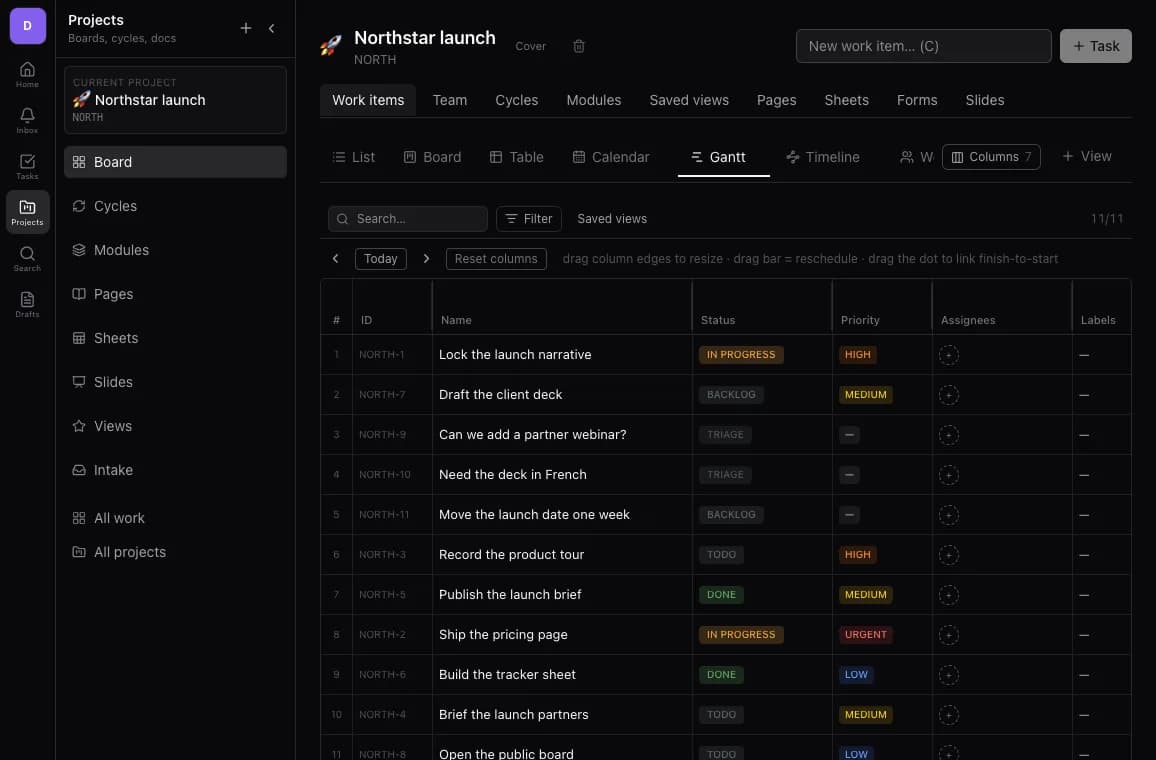
Cycles, modules, calendar, Gantt, timeline, workload, and tasks that spawn the next occurrence.
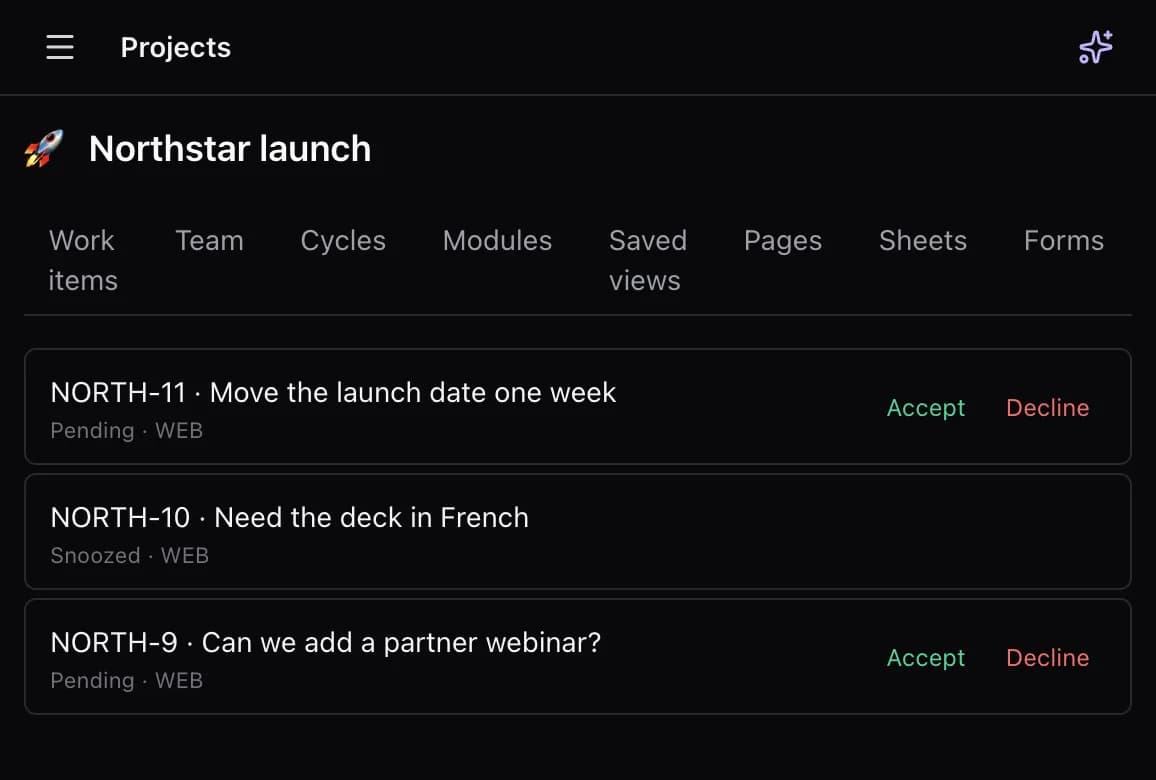
A triage queue for incoming work, forms on the project, and a public board for votes, comments, and submissions.
Brain set up an example project for each of these businesses. Open one to see what it built.
USD per active member. Three people are free, and Gantt and docs are not a higher tier.
Free
Three people can run real work before anyone pays.
$12.00 / seat / mo
The seat rate for a workspace that has grown past three people.
$120.00 / seat / yr
Ten months for the price of twelve.
The budget sheet sits on the same project as the tasks.
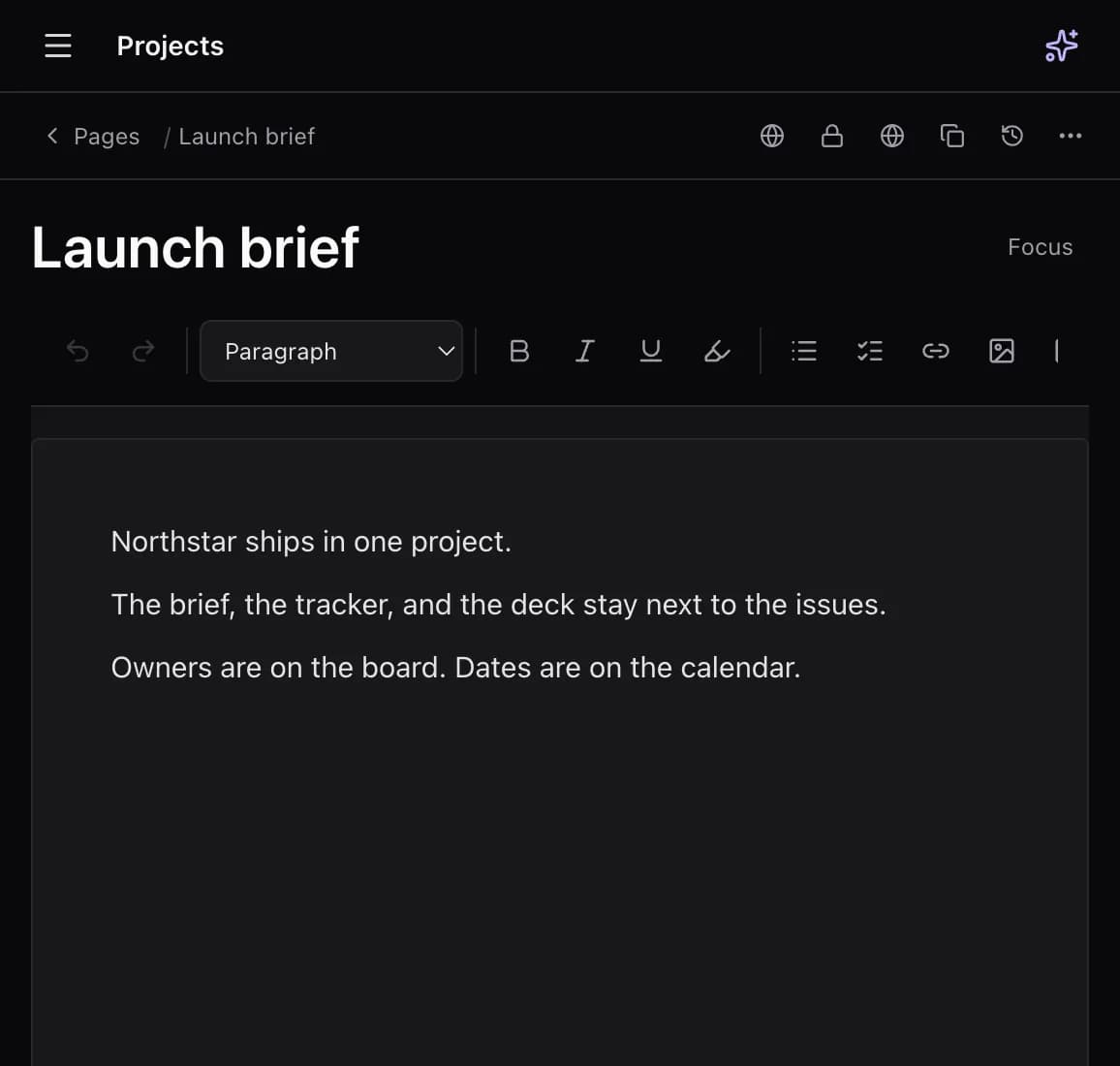
The brief is a doc page next to the issues.
The board shows backlog, to do, and in progress for the client project.
Incoming client requests land in an intake queue on the project.
Status stays on the plan, and the budget numbers stay on a sheet in the same project.
Start a workspace, invite the people who will use it, and keep the docs next to the work. Teams in Canada can also read how billing, tax, and privacy are handled for Canadian teams.
Start 14-day trial