Product · Workspace
Docs, sheets, and slides next to the work
The brief, the budget, and the client deck belong on the same project as the issues. DoneNest puts Pages, Sheets, Slides, Forms, and a whiteboard beside the backlog, so the document is a tab, not another subscription.
The gap in Notion and Linear
Notion holds the writing and is light on cycles and dependencies. Linear holds the issues and leaves the doc, the sheet, and the deck outside.
See the comparisonPages
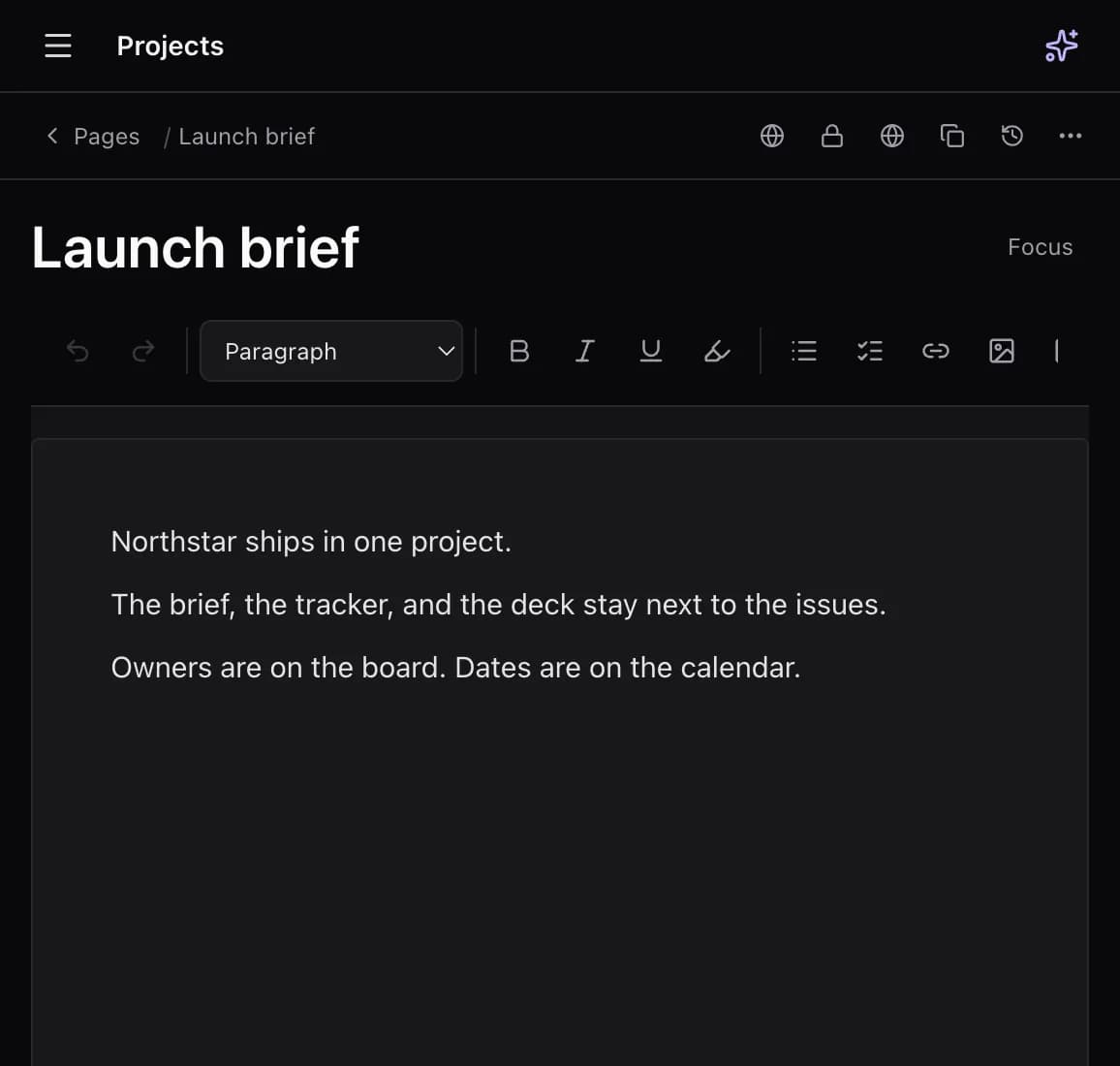
Each project has doc pages with versions, a lock, access, favorites, and comments. The issue description stays rich text on the issue. The long document is a page, and that page can be published as a public wiki.
Sheets
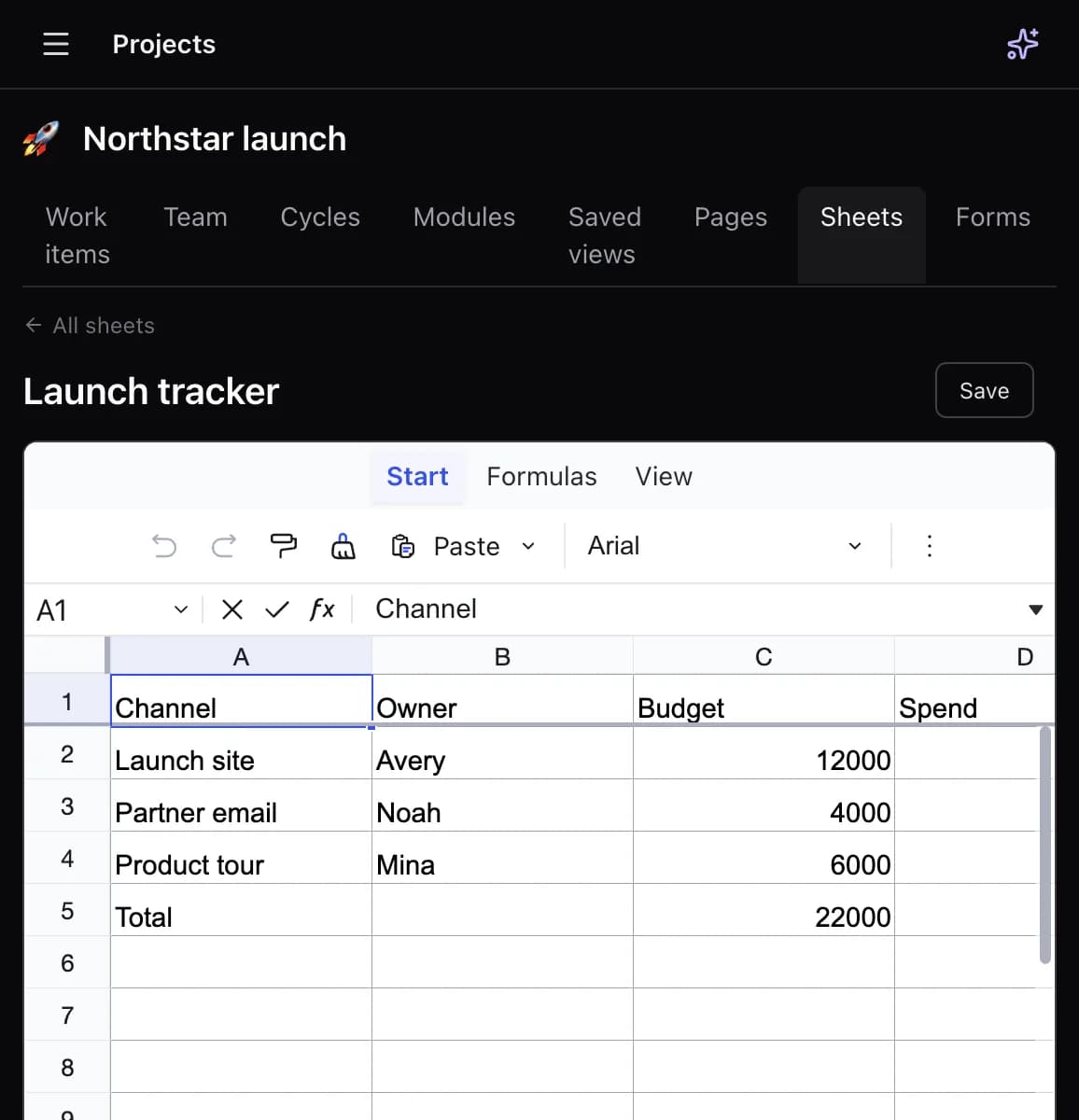
Spreadsheets support Excel-style formulas. Use them for budgets, hiring plans, and ops metrics without exporting the project into another workbook.
Slides
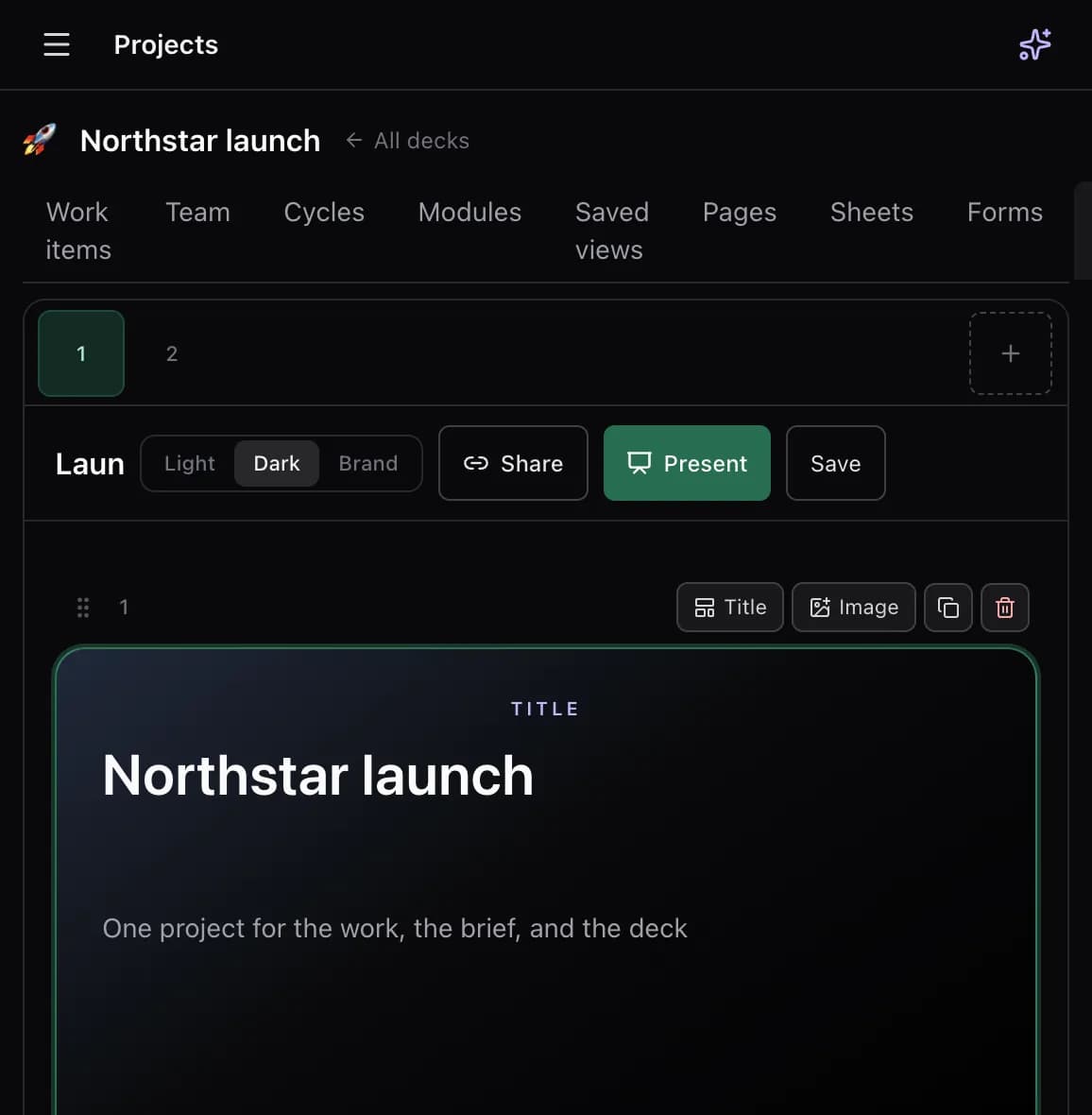
Decks are a project tab, with layouts for a title, bullets, two columns, a quote, or an image. Present from the same workspace that holds the issues the deck is about, or share the deck with a link.
Whiteboard
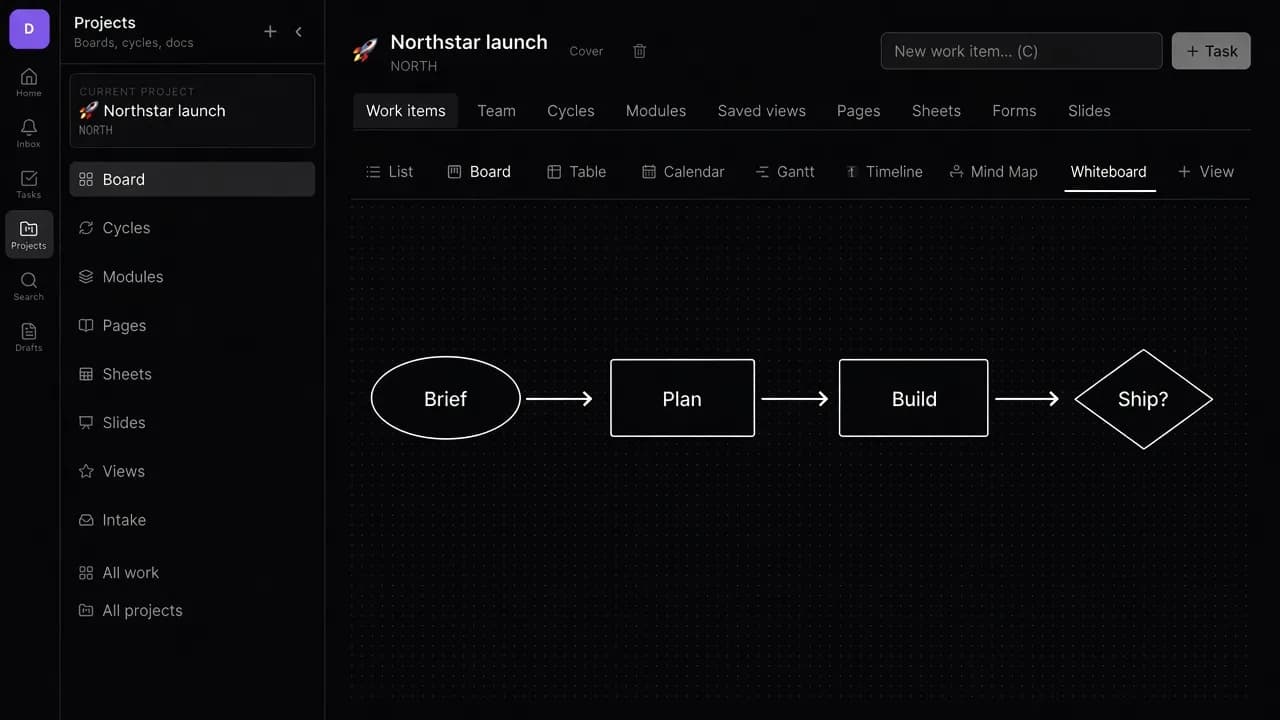
Each project has a whiteboard canvas. Brain can draw on it. It sits with the other project surfaces, not in a separate whiteboard product.