Product · Intake
A queue for work that arrives from outside
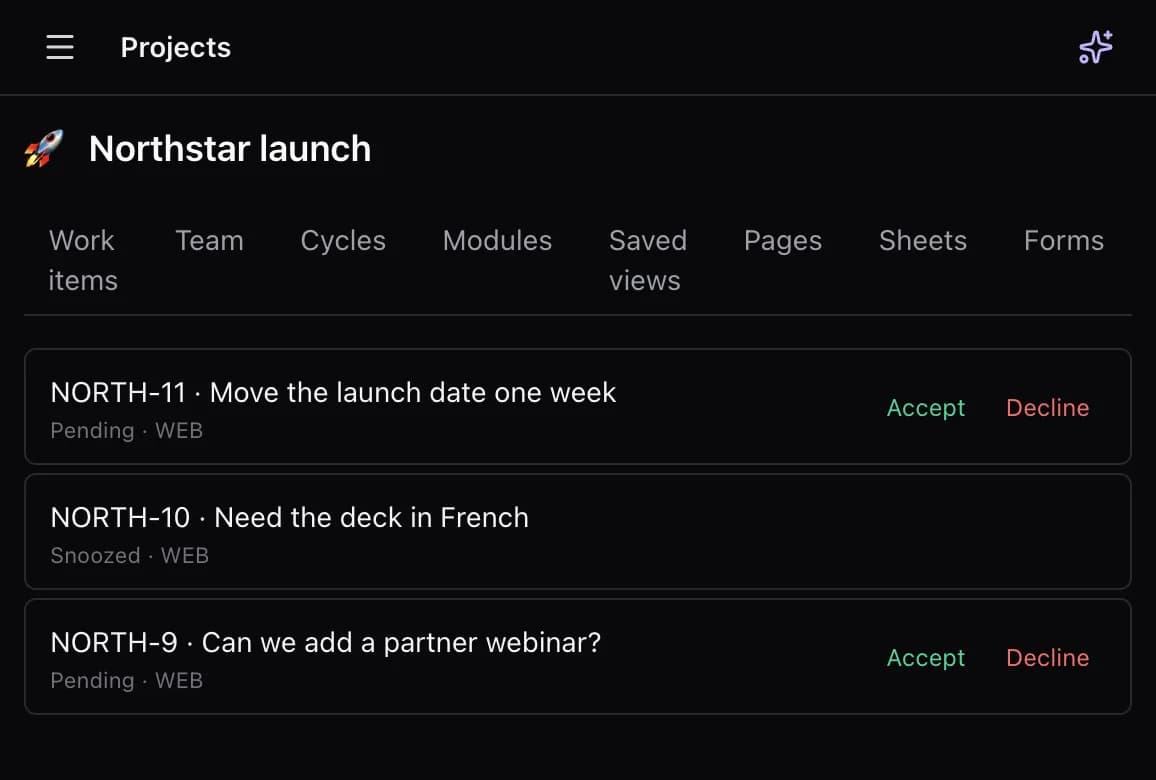
Requests land in a queue a person can accept, snooze, or decline. DoneNest keeps that queue on the project. A public board lets people outside the workspace see issues, vote, comment, and submit. Forms are a project tab for structured replies.
The gap in Linear
Linear is built for the internal software team. A public board and a triage queue for client submissions are outside that shape.
See the comparisonTriage statuses
Incoming items sit in intake as pending, snoozed, accepted, declined, or duplicate. Accepted work becomes part of the project instead of a side spreadsheet of requests.
Public board
A published board can show issues, comments, reactions, and votes. Guests can submit through public intake. The link is a board for that project, not a separate helpdesk subscription.
Forms
A form is a project tab: short and long text, email, number, date, and choice questions. Responses can land on a sheet or become one task each. Brain can create the form. The public link is /f, and it is not a second product.
Next to the real work
Once a request is accepted, it is an issue: status, assignee, cycle, module, and the same docs and sheets as everything else on the project.