Issues and work items
Work items — issues — are the unit of work in a project. Each one carries properties like state, priority, assignee, dates, and labels, plus a description, comments, and sub-issues.
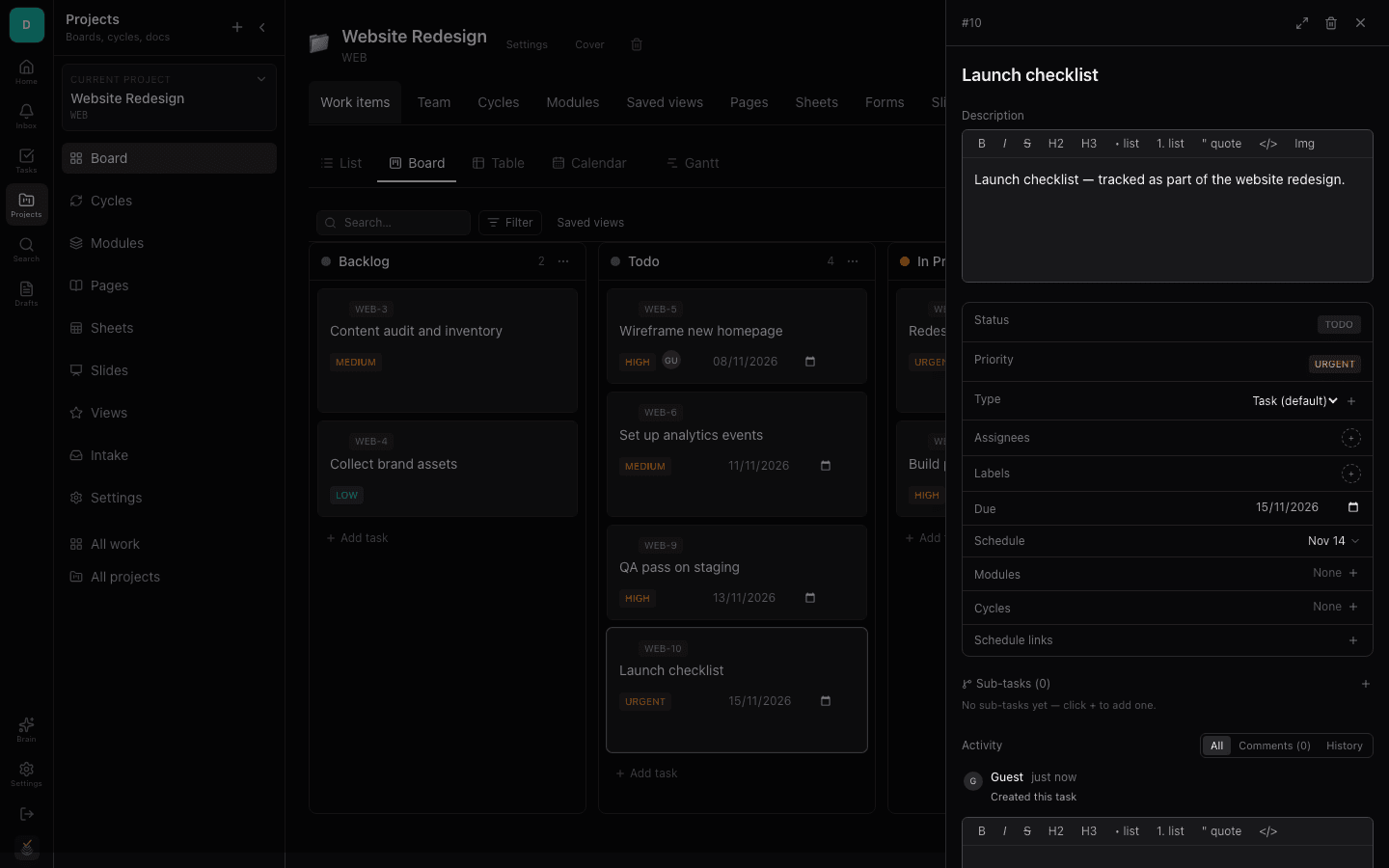
You can work with an issue two ways: the full detail page for deep focus, or the slide-over drawer for quick edits without losing your place.
Creating an issue
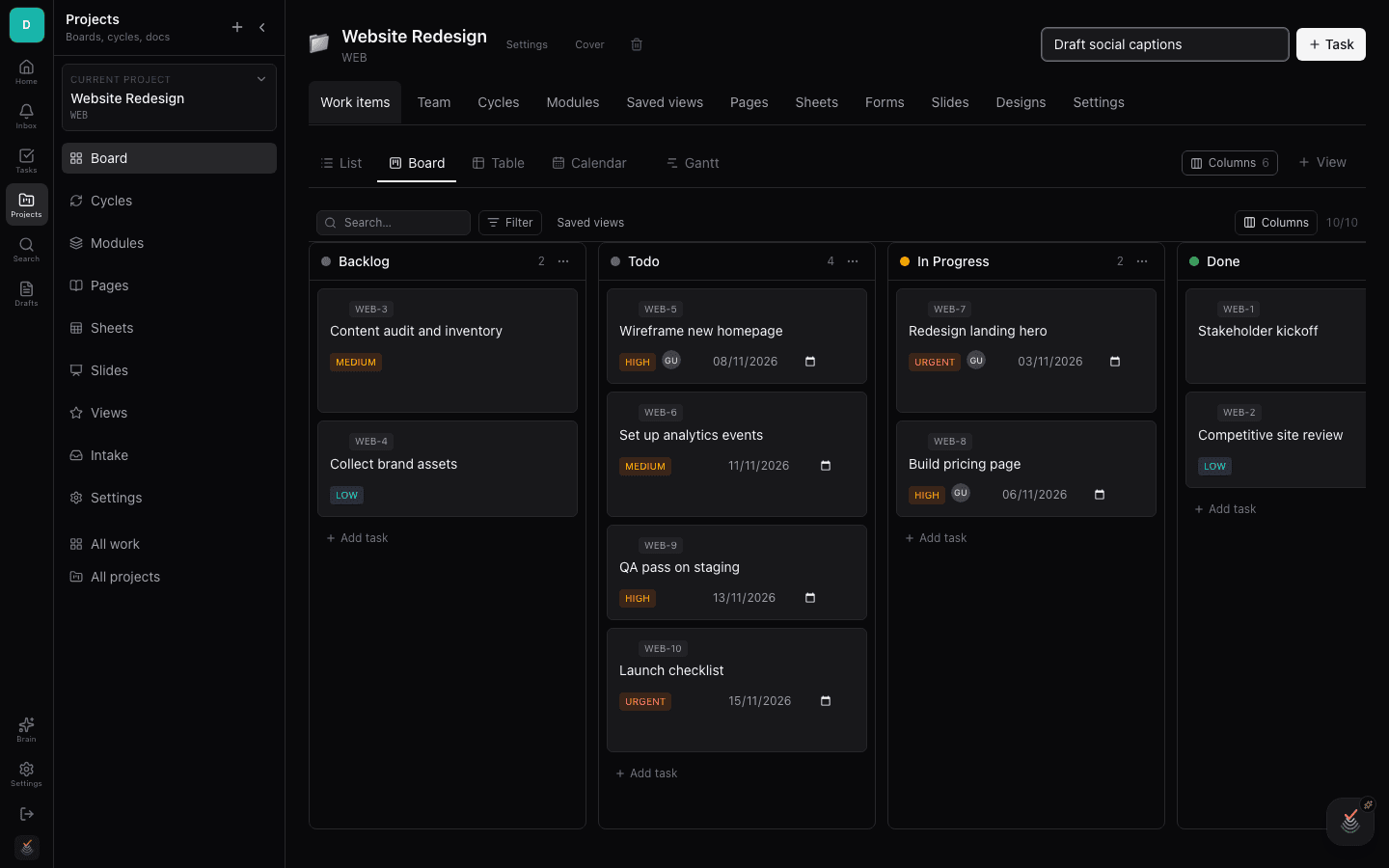
Create an issue from the new-issue button in any work-item view. Give it a title — that is all that is required — and optionally set assignee, state, priority, and dates right in the creation form.
Issues appear instantly in every view of the project: board, list, calendar, and the assignee's My Tasks.
Issue detail page
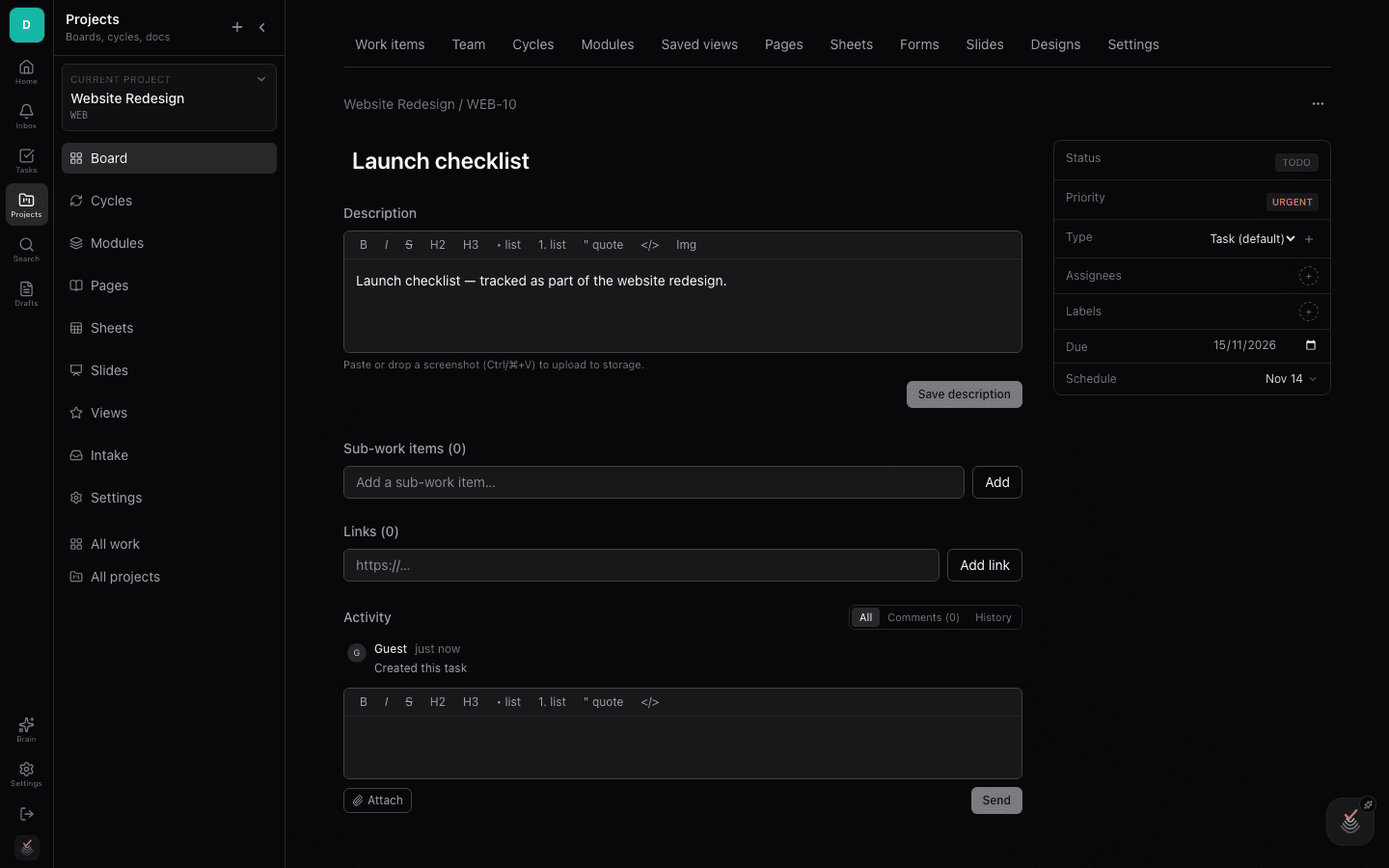
The detail page is the issue's home: a rich description editor, a properties panel for state, priority, assignee, dates, labels, and estimate, and a threaded comment section underneath.
Sub-issues break the work into smaller tracked pieces — each is a full issue with its own properties, nested under the parent.
The issue drawer
Clicking an issue from a board, list, or inbox opens the drawer — a slide-over panel with the same properties, comments, and sub-issues. Edit in place, then close it to return exactly where you were.
The drawer is the fastest way to triage: open, update, close, repeat — without ever loading a new page.