Pages, Sheets, and Slides
Projects in DoneNest are more than task lists. The Pages, Sheets, and Slides tabs hold the documents that surround the work — briefs, specs, budgets, roadmaps, and client decks.
All three support public sharing links, covered in the settings chapter, so a page can become a wiki, a form can collect responses, and a deck can be presented to anyone with the link.
Pages
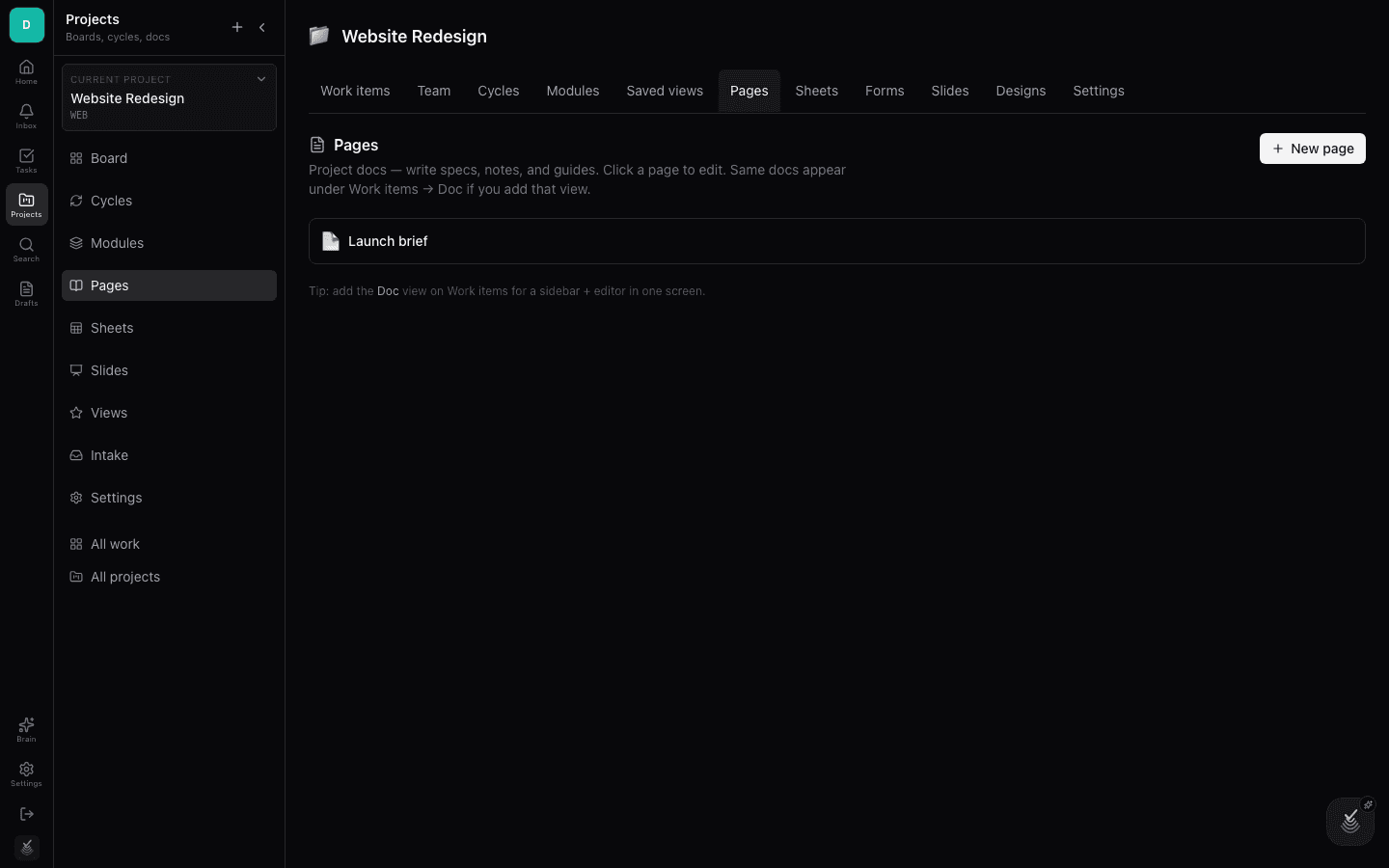
Pages are nested documents inside a project — a wiki for everything the team needs to write down. Create a page from the Pages tab and organize children underneath it.
Pages can be shared publicly as a read-only wiki, which makes them ideal for client-facing docs and handbooks.
The page editor
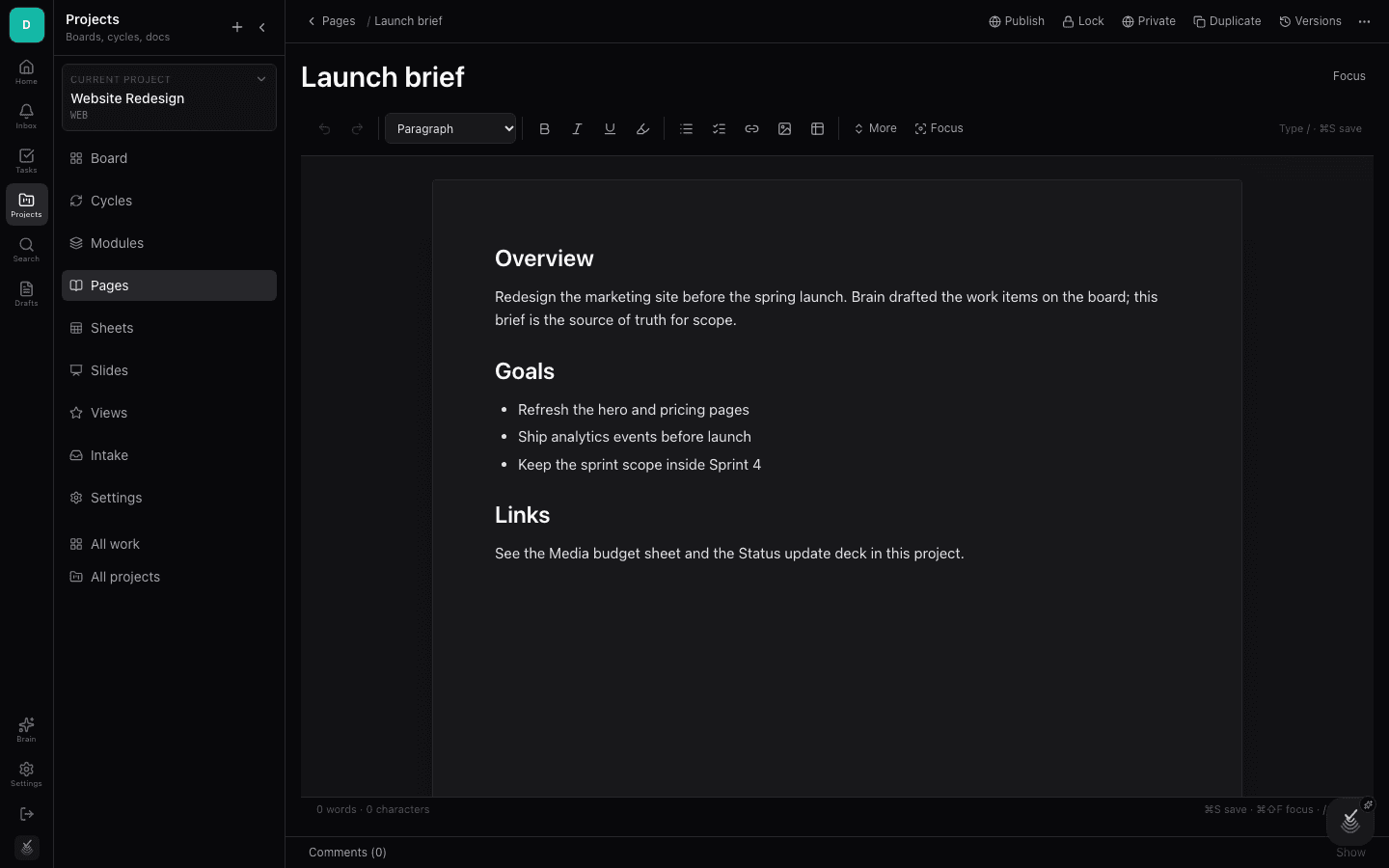
The editor is block-based: type for paragraphs, use the slash menu for headings, lists, tables, embeds, and more. Changes save as you go, and teammates can work in the same page.
Because pages live inside the project, they stay linked to the work they describe — reference issues by name and navigate between them.
Sheets
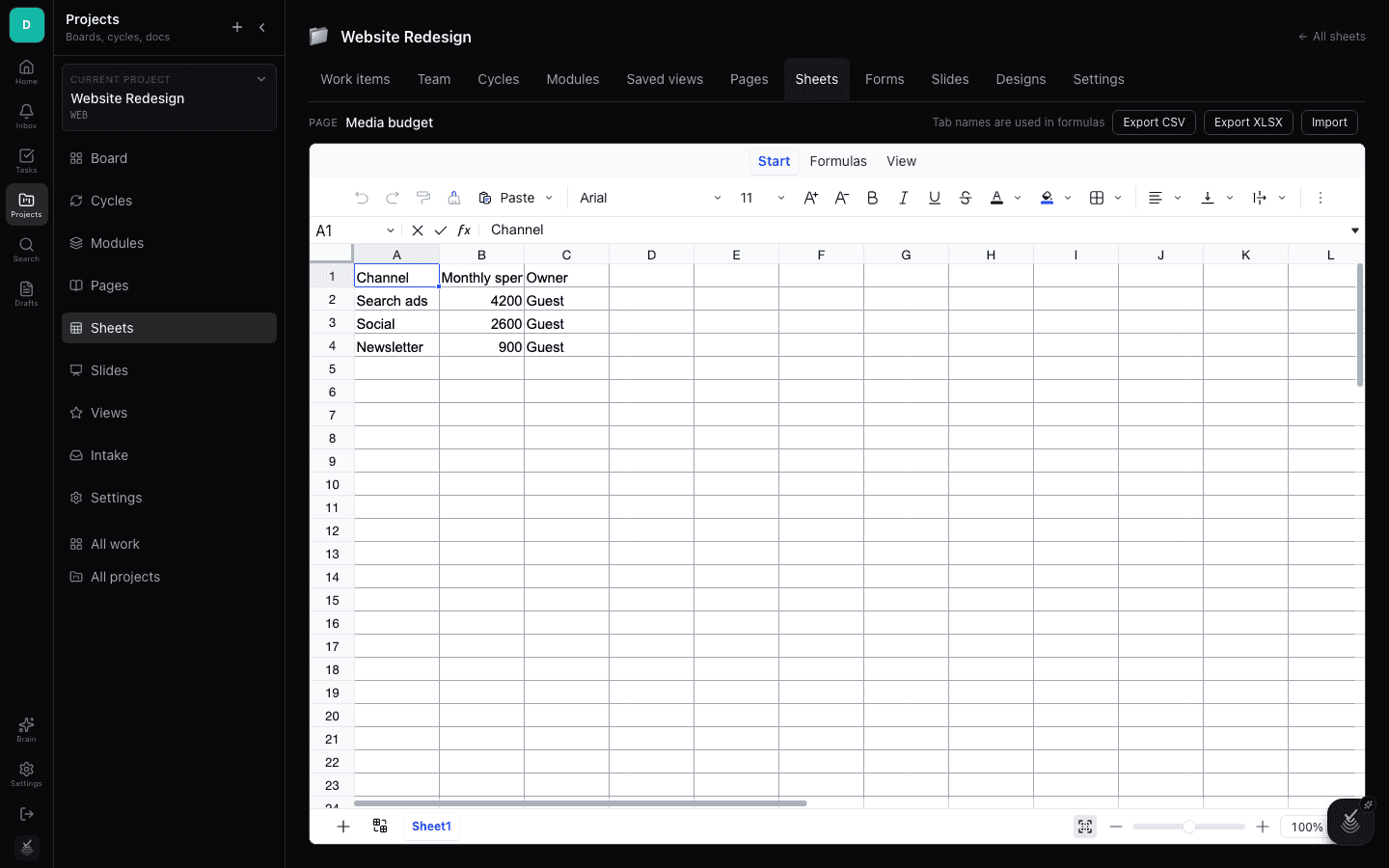
Sheets are real spreadsheets: cells, formulas, and structured data for budgets, media plans, inventories, and trackers that need math rather than prose.
Create a sheet from the Sheets tab and build out columns and formulas the way you would in any spreadsheet tool.
Slides
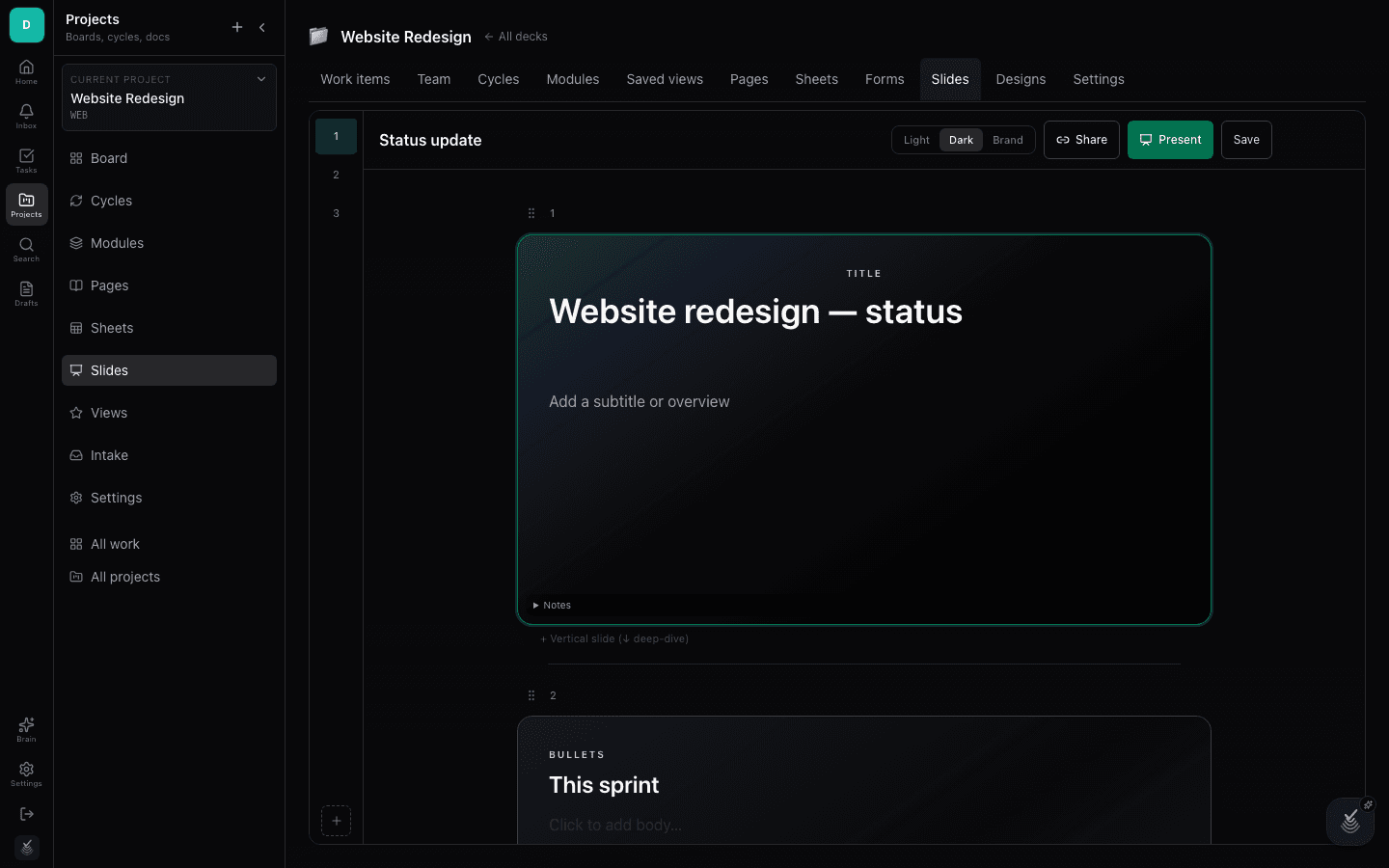
Slides are presentation decks built in the project — pitch decks, status reviews, sprint demos. Compose slides visually, then present or share them with a link.
A deck can be published as a public share, so external stakeholders can flip through it without a DoneNest account.